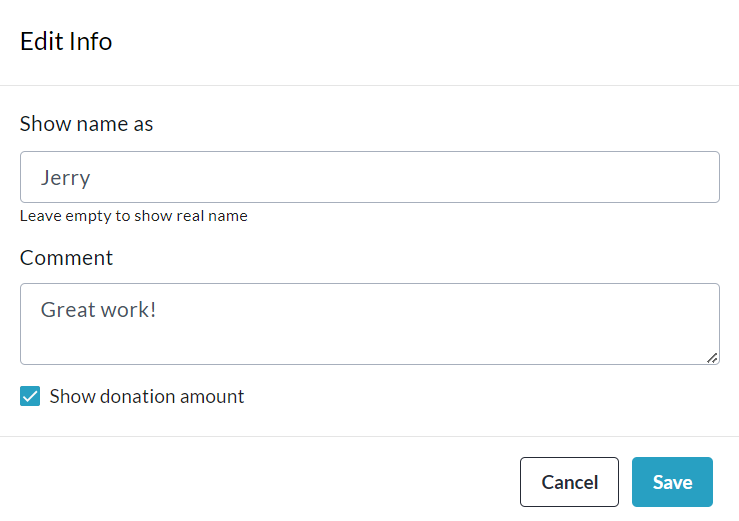
One of the most useful features of the Admin Donations Report is the capability it offers Admin users to change display names, comments and amount show/hide settings of donations.
To do this yourself, simply follow the steps below:
-
Go to your CrowdChange site and Log In.
-
Click Profile in the top right corner, then Admin.
-
Go to Reports > Donations Report using the left sidebar.
-
Search and/or Filter for a specific donation, and once you’ve found it, click on it.
-
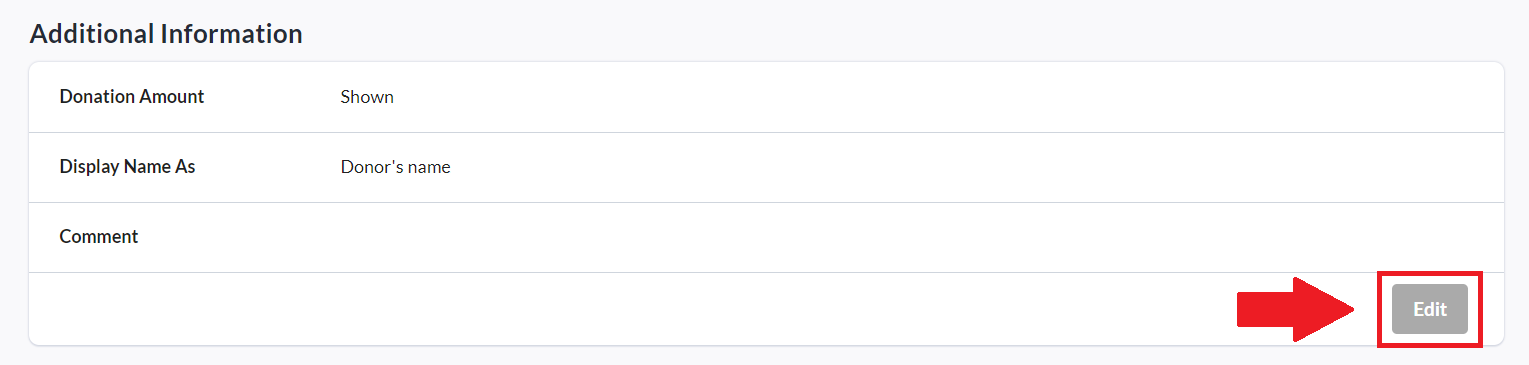
On the transaction page, click Edit within the Additional Information section.
-
Make any desired changes and click Save when you’re finished!