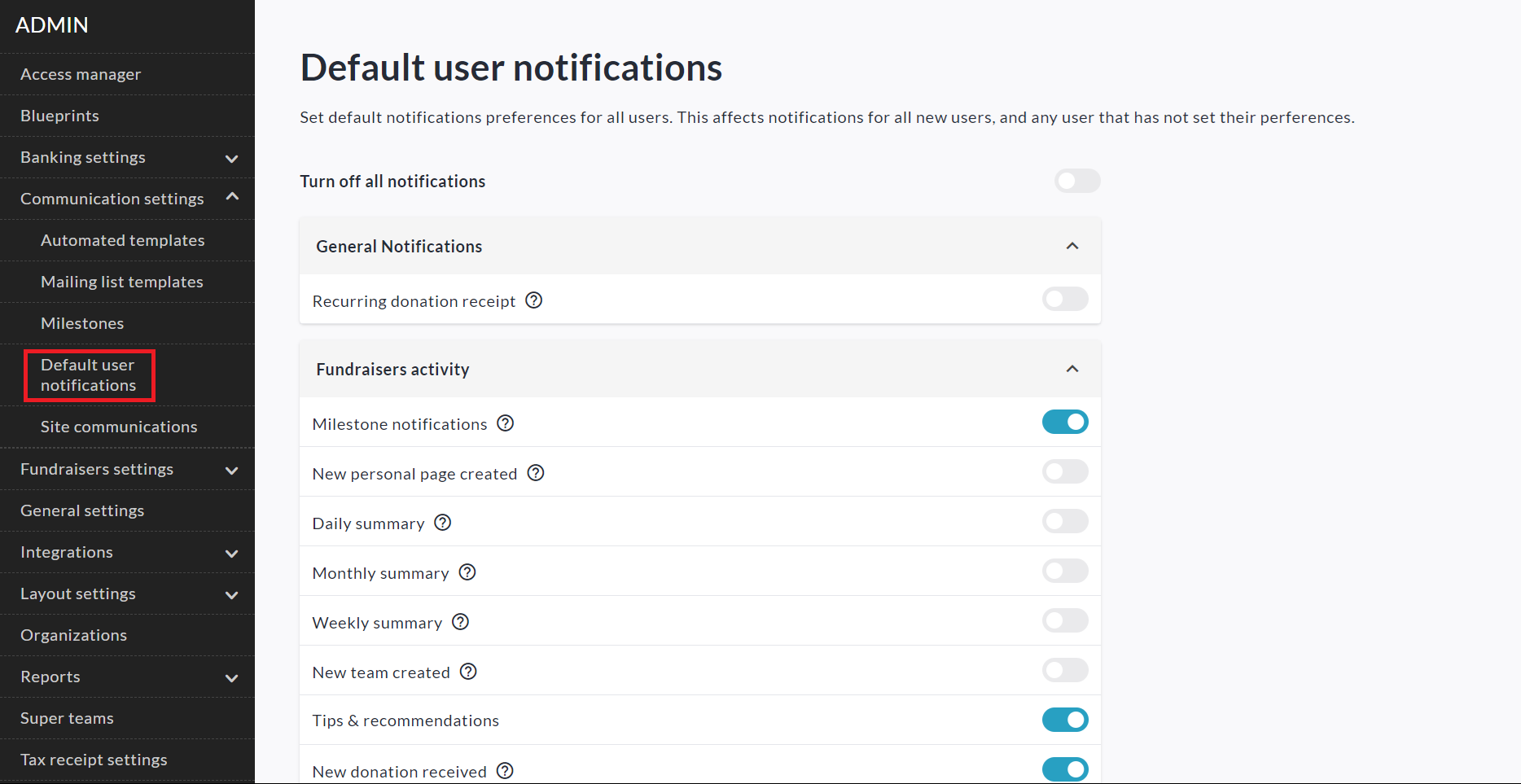
As an Admin on your CrowdChange site, you are able to set the default state of notifications preferences for all new fundraiser owners. To do so, follow the simple steps below.
-
From any where on your CrowdChange site, click Profile → Admin in the top right corner.
-
Click Communication Settings on the left sidebar, then Default User Notifications.
-
You will see a notifications menu identical to the one in your profile notifications menu. However, any changes made here will affect all new users and any user that has not yet set their own preferences.
Users who have already set their own personal notifications preferences will not be affected.