As an Admin user, if you ever need to change the owner or ‘Team Captain' of a Team page, it’s a quick and simple process! You can do so using the steps below:
-
Go to your CrowdChange site and Log In with your Admin account.
-
Go to the Team page you would like to change Team Captain for.
-
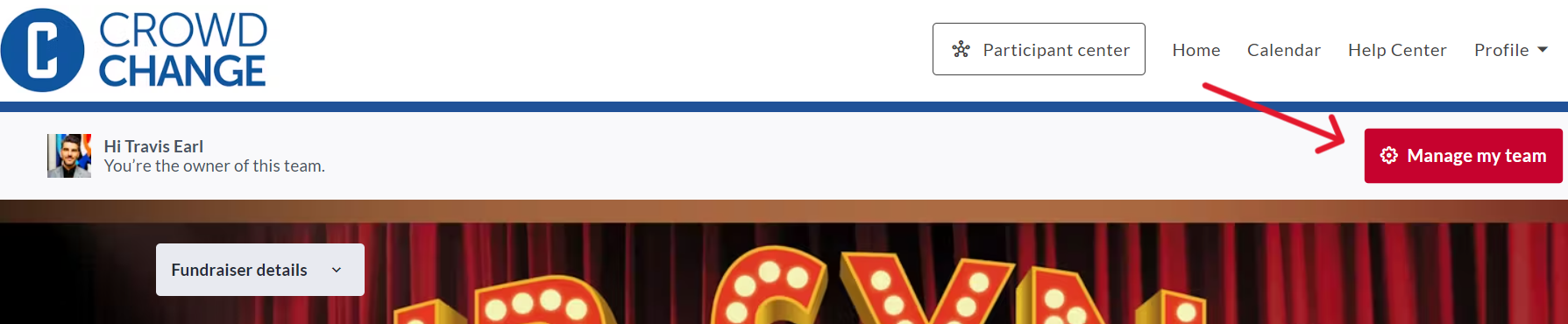
Click Manage my team in the top right corner.
-
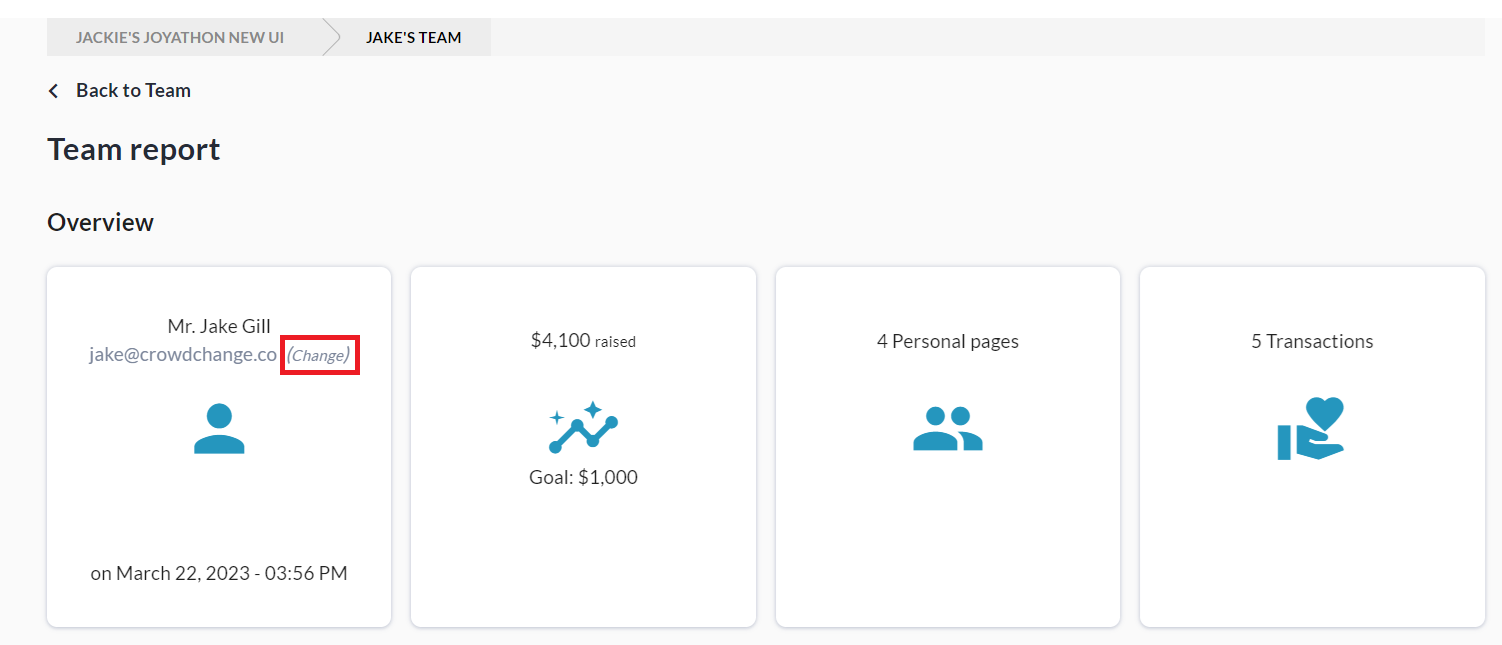
From your team page dashboard menu click Report.
-
Click Change under the current Team Captain’s email address as highlighted below in brackets.
-
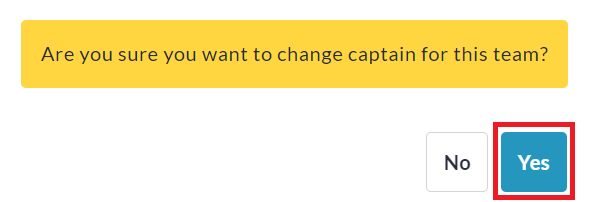
Click Yes for ‘Are you sure you want to change captain for this team?'.
-
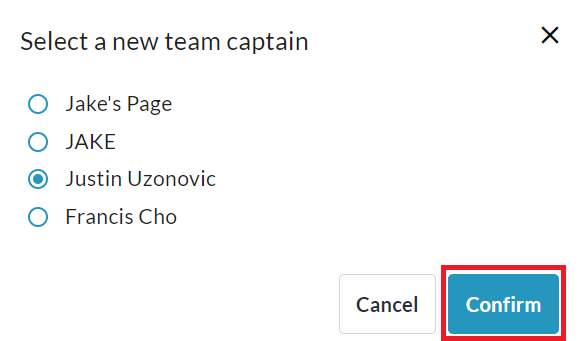
Select the new team captain from the list of connected personal pages and click Confirm.
(The owner of the selected personal page will become the new team captain.)