
The Activity Log gives you a list of all recent administrative actions taken by users on your site.
To access it, follow these simple steps:
-
Go to your CrowdChange site and Log In.
-
Click Profile in in the top right corner, then Admin.
-
Go to Reports > Activity Log using the left sidebar.
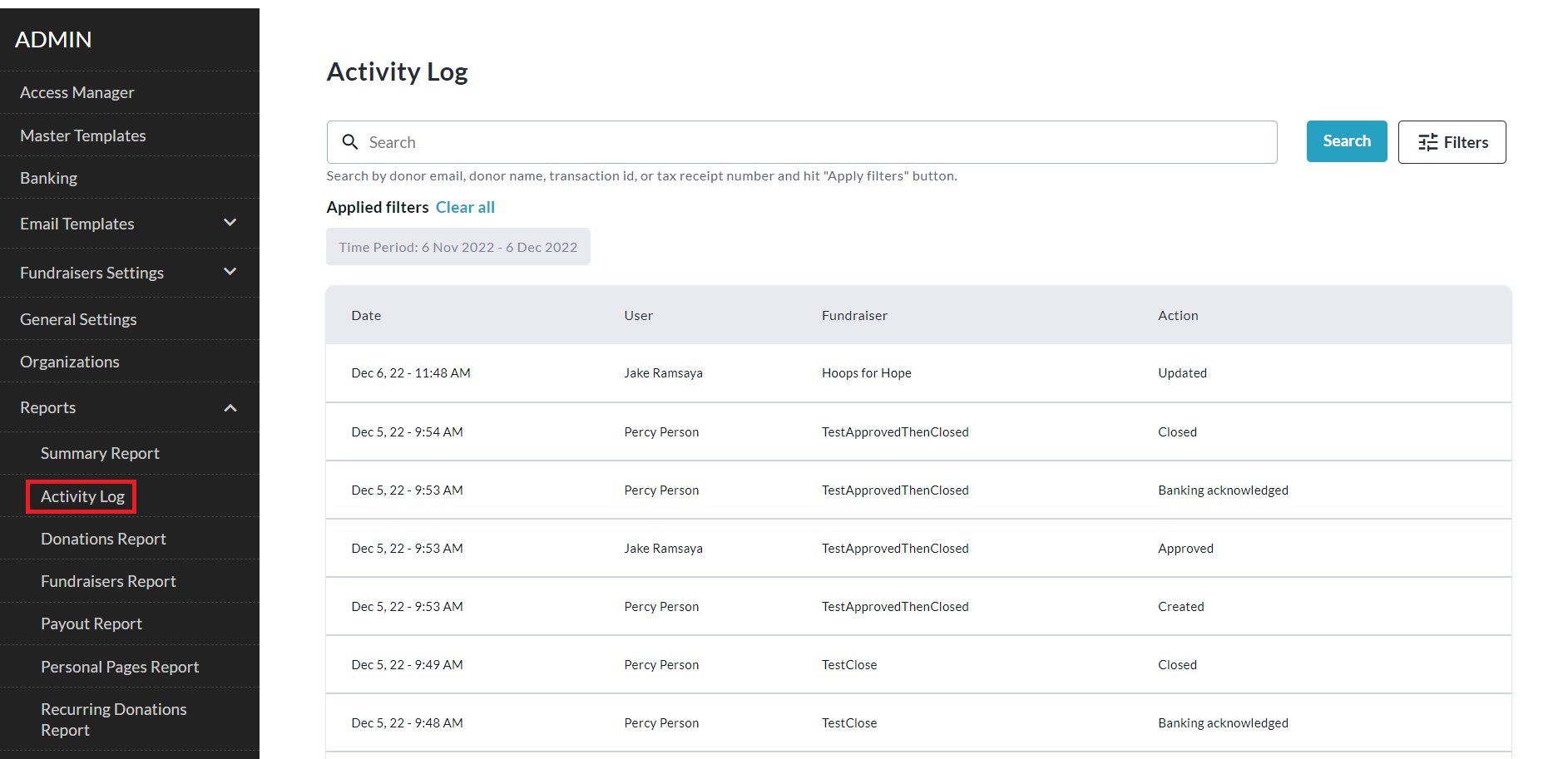
You can filter for specific fundraisers using Filters > Fundraisers > Show Results.