
As an Admin user, you can change the host/owner of a fundraiser to give someone else complete access to the fundraiser and enable them to receive its notifications.
Follow these simple steps to change the fundraiser host/owner:
Please note that you must first be logged in to perform this action.
-
Go to the fundraiser you would like to change host/owner of.
-
Click Manage My Fundraiser in the top right corner of the page.
-
Click Reports on the left sidebar, then Fundraiser Report.
-
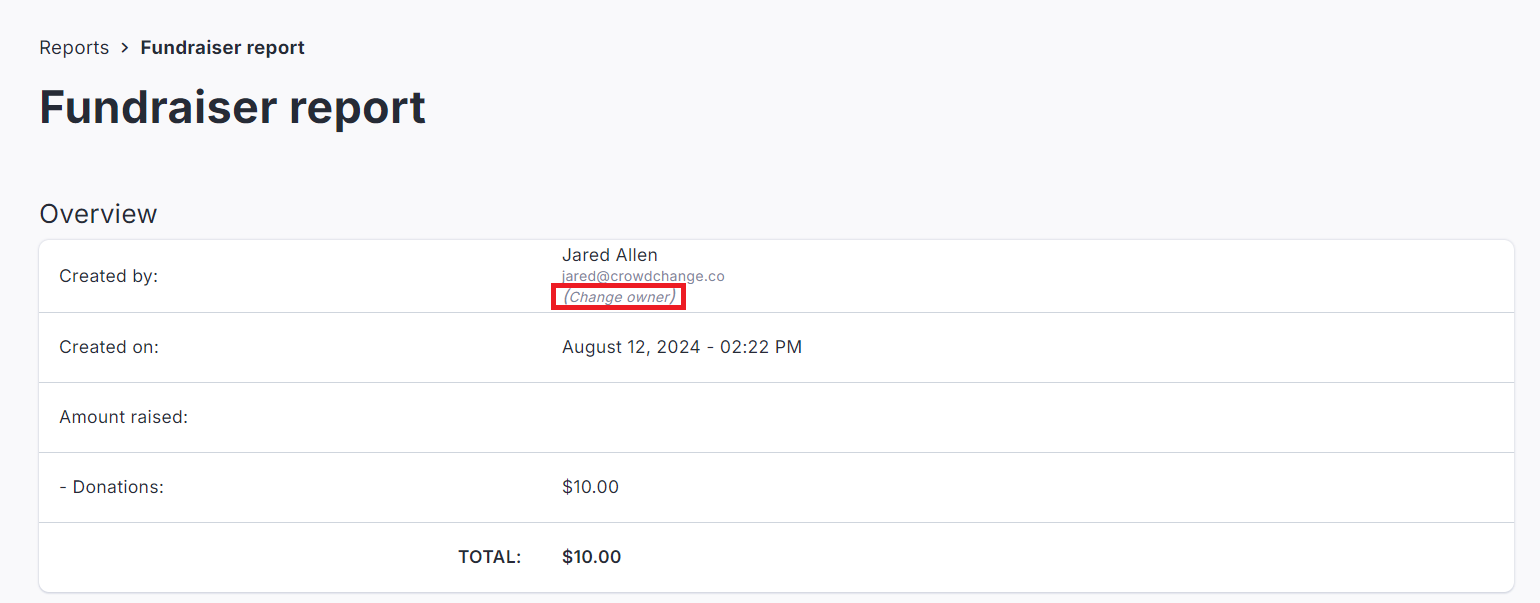
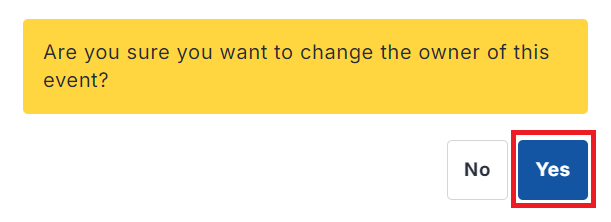
Click Change Owner and select Yes in the popup that appears.
-
Enter the email address of the new owner.
-
Click Save.
The new owner/host will receive an email invitation to manage the fundraiser. Once the page reloads, administrative options will no longer be available to the previous owner unless they are an Admin.